
Multi-image proof of delivery
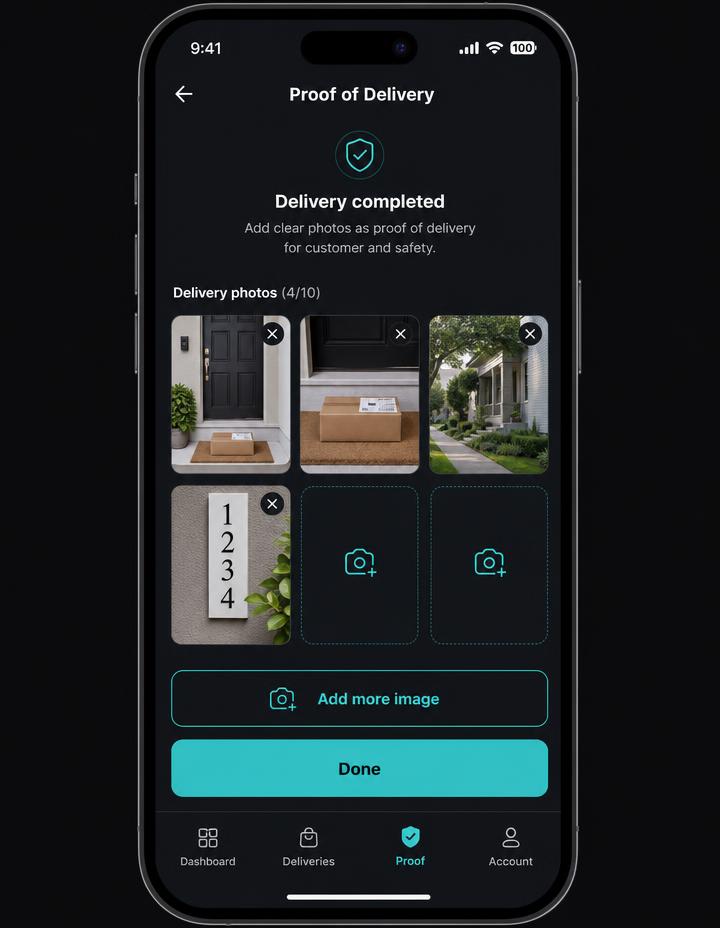
Stack unlimited photos per stop across goods and document batches, lock the batch, and send everything as one consolidated ePOD record.
Offline-first courier mobile software with a three-click delivery flow, multi-image proof of delivery and shift tracking — in the driver's own language, with or without signal.
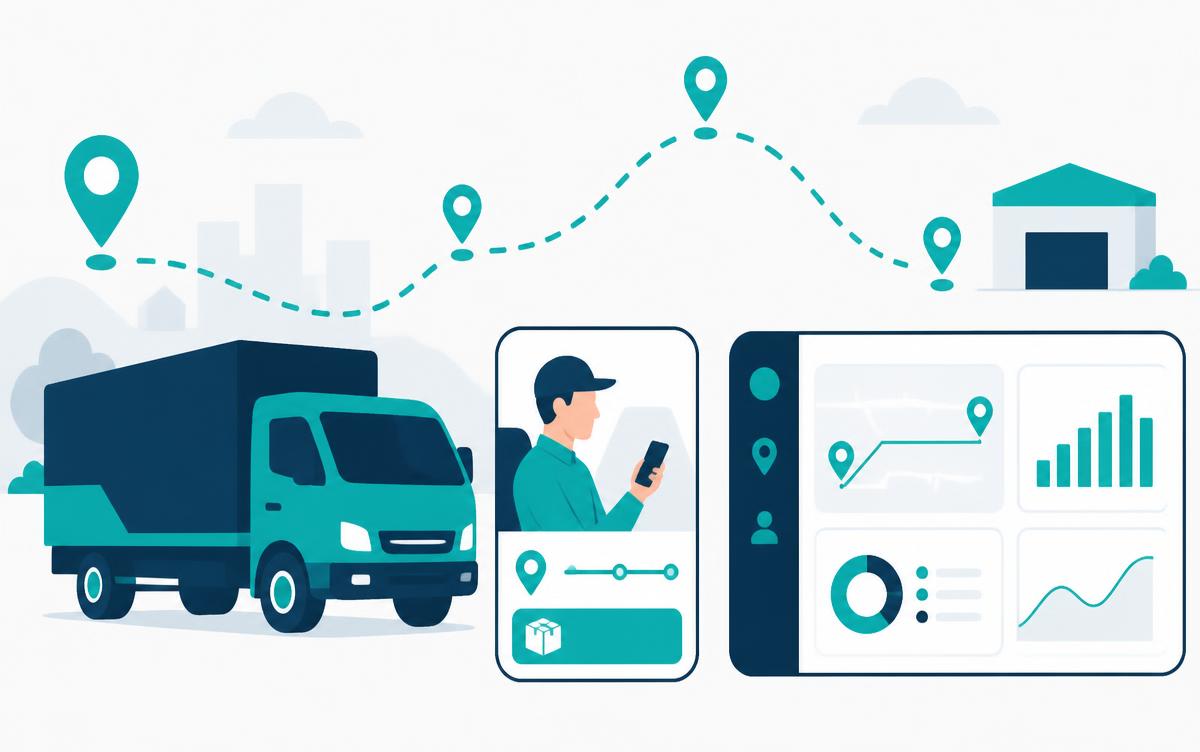
Zero training, zero paperwork, zero excuses about signal.
Stack unlimited photos per stop across goods and document batches, lock the batch, and send everything as one consolidated ePOD record.
Routes, customer details and captured media live on the device. Uploads queue and retry automatically when signal returns.
Arrive, capture, complete. No nested menus, no typing — the whole stop closes in three taps with large, glove-friendly targets.
Interface, statuses and customer messages localise instantly, including right-to-left layouts for Arabic-speaking drivers.
Start-of-shift checks, dashboard OCR for odometer and fuel, driving-time countdown and an end-of-shift summary in one flow.
Hands off the full postal address — not a rounded coordinate — to Google Maps, Waze or Apple Maps, and remembers the driver's preferred app.
A live 4h30 countdown, proactive amber and red break alerts and split-break logic keep the driver inside EU 561/2006 without a second device.
Each completed stop rolls straight into the next one with its ETA, contact details and delay-notice templates already loaded.
Workspace-isolated data, hash-chained shift logs and time-limited signed links for every delivery photo the office opens.
No app store, no cargo-type lock-in, no borders to stop at.
Installs from a link on any phone — no app store, no MDM rollout, no per-device licence. Updates land the moment you publish them.
Pallets, parcels, installed equipment or two-person deliveries all run through the same stop card and proof-of-delivery flow.
Built for EU long-haul work: multilingual crews, country-specific paperwork and rest rules that follow the driver across borders.
The driver opens the next stop and taps Arrived. Dispatch sees the status change instantly on the mission control map.
Photograph the goods, then the signed document. Add as many images as the stop needs, then tap Done to lock the batch.
The proof-of-delivery record is timestamped and routed to the chosen recipient — office, client manager, or both — with every image attached.
Drivers pick a reason and a new window from a dropdown; the localised message opens pre-written in SMS or WhatsApp.
Customers get an inbound message before the vehicle arrives, cutting failed deliveries and doorstep waiting time.
Built for general cargo, palletised freight and two-man work: access notes, load checks and overnight hotel cards for multi-day runs.
An ePOD app replaces the paper delivery note. The driver confirms the stop on a phone, captures photos of the goods and the signed paperwork, and the record is timestamped and sent to the office automatically — so there is no scanning, no lost slips and no end-of-week reconciliation.
Yes. Depot2Door is offline-first: the full route, stop and customer data lives on the device. Completed stops, photos and signatures queue locally and upload as soon as coverage returns, so drivers are never blocked in a basement, a lift shaft or a border zone.
As many as the delivery needs. The multi-image capture flow stacks photos into batches — one for goods inspection, one for signed documents — and attaches all of them to the proof-of-delivery email for that stop.
Seventeen, including English, Dutch, German, Polish, Romanian and Arabic, with right-to-left layouts switching automatically. Drivers read their route in their own language without the office translating anything.
Running international lanes? See our EU cross-border compliance tooling .
Cloud-based transport management system with dispatcher mission control.
Offline-first courier mobile software with multi-image proof of delivery.
Automated EU 561/2006 driving-time tracking, split-break logic and a dual-driver HUD.
EU cross-border transport software with geofencing and driving-hours checks.
Sandbox planning, 2-opt optimisation and one-click publishing to the fleet.
Per-vehicle pricing with modular add-ons — no per-seat surprises.